Picture the founder opening the Figma file after six weeks of waiting. It's beautiful. Sorry, it's good, really thorough, every screen and state looks sharp. But the feature it's showing got rebuilt back in week four, while the agency was still in discovery, and then rebuilt again a week later.
Nobody messed up. AI products move faster than the process meant to design them. The obvious response is to work faster, and AI helps with that. But faster tools inside a six-week process don't fix it. An AI product changes while you're designing it, so anything finished weeks ahead of the build is already wrong by delivery. The design has to be produced alongside the product, and that’s the only way. But it's a different delivery model.
So let us tell you what AI products need from a design process and how using AI in the workflow makes it possible.
TL;DR
- AI products change every sprint. A design finished weeks ahead of the build is usually out of date by the time it lands.
- Faster AI tools alone won't fix it. AI can speed up concepts, iteration, code, and design systems, but the process has to change for any of that to keep design in step with the product.
- Habitat's process is called Blueprint-to-Deploy. It takes an AI product from idea to deployment in 6 to 12 weeks, with design and build moving together.
- AI does the repetitive work at every step, while people make the design decisions. By the time engineering starts, most of the frontend already exists, and clients keep everything in formats they can reuse.
- For an AI product, the design process is a competitive advantage. Design on the AI clock and you ship in sync with your product.
AI in product design. What it changes about the design workflow
Let’s be clear about one thing: AI won't design your product. It doesn’t know which direction is right. It's the designer's call. But it does change everything that used to sit between those calls, like the setup, the redraws, the rebuild, the wait. Those changes show up at almost every stage of the design process.
First concepts in hours, not days
An AI-powered designer can put ten directions in front of a founder before a traditional agency has finished writing the brief. That used to be out of reach, because every concept meant hours of manual work. AI removes most of that effort. Weak ideas get cut early, while the time goes into the direction that proves itself.
Iteration on live screens
When a product feature changes mid-sprint, a traditional Figma file becomes stale, sometimes invalidated entirely. Iterating on live screens means the design stays in sync with product changes that used to force a restart. This way, the design moves at the speed the product moves.
Design-to-code without the handoff gap
Traditionally, design ends with a handoff. Engineering then spends days or weeks rebuilding the interface from Figma before real development can continue. Modern AI workflows shrink that gap. Tools like Claude Code and Storybook turn designs into working frontend components, so much of the interface already exists when developers begin.
Pressure-testing an idea before building it
Every designer has spent a day perfecting a flow to realize the idea was wrong from the start. With AI, you can find that out in minutes. Designers describe a flow to an AI tool loaded with the product's context and get a working version back in minutes. It’s enough to see whether it holds before committing a day to drawing it.
However good they sound, these changes don't work in isolation. AI rushed into everything, design included, and agencies bolt it onto the process they've run since 2019. Same old machine, but now with a turbo button.
Faster concepts won't help if they're trapped inside the same old delivery model. To take advantage of AI, the process itself has to change. We call ours Blueprint-to-Deploy.

Get the week’s best stories
Blueprint-to-Deploy: a process built for AI products
Blueprint-to-Deploy is how we design AI products that evolve every sprint. It takes an idea from early strategy to deployment in 6–12 weeks.
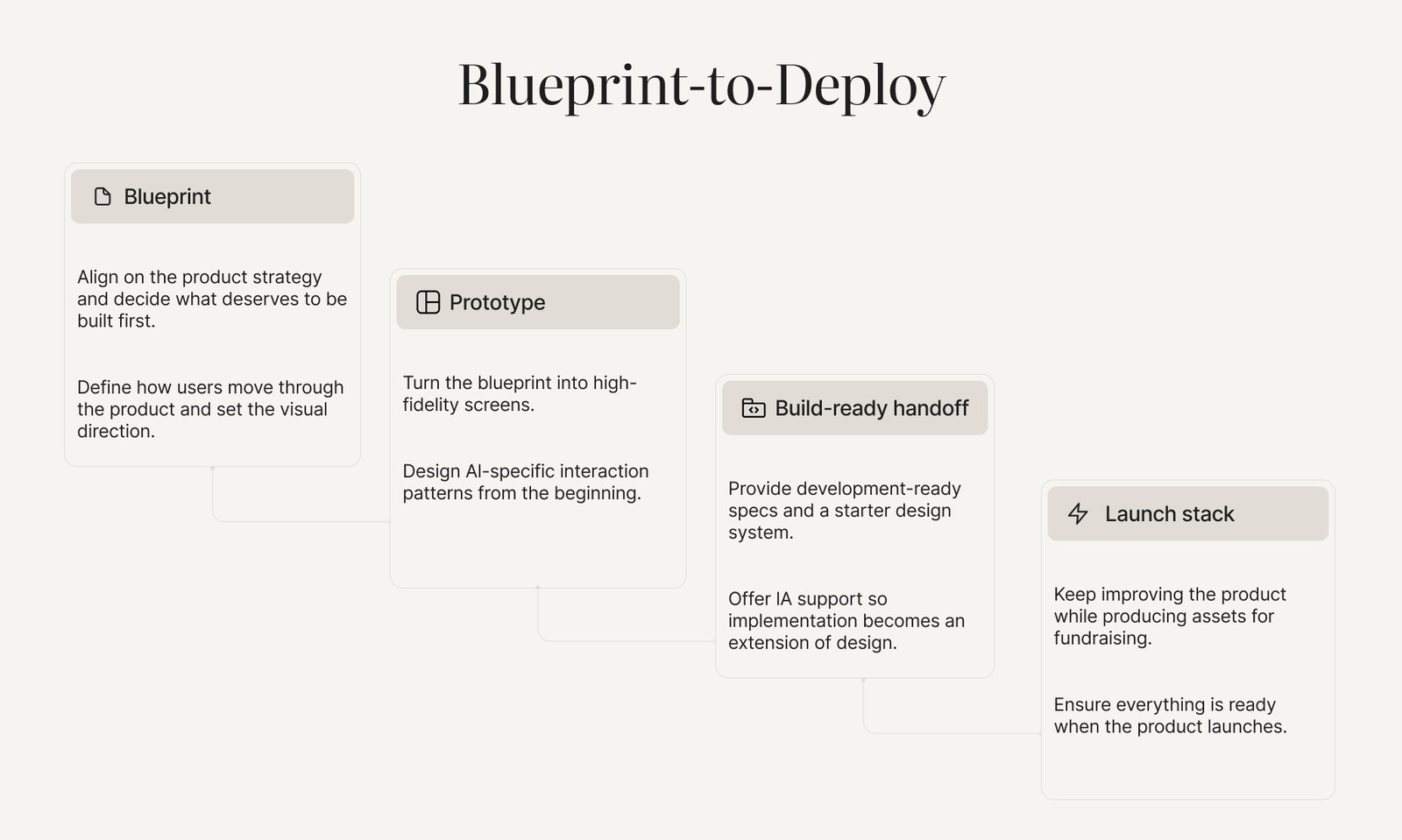
It covers 4 main phases:
Week 1: Blueprint
Think of this as a week spent preventing months of rework. We align on the product strategy, decide what deserves to be built first, define how users move through the product, and set the visual direction. Every phase that follows runs on this foundation.
Weeks 2-4: Prototype
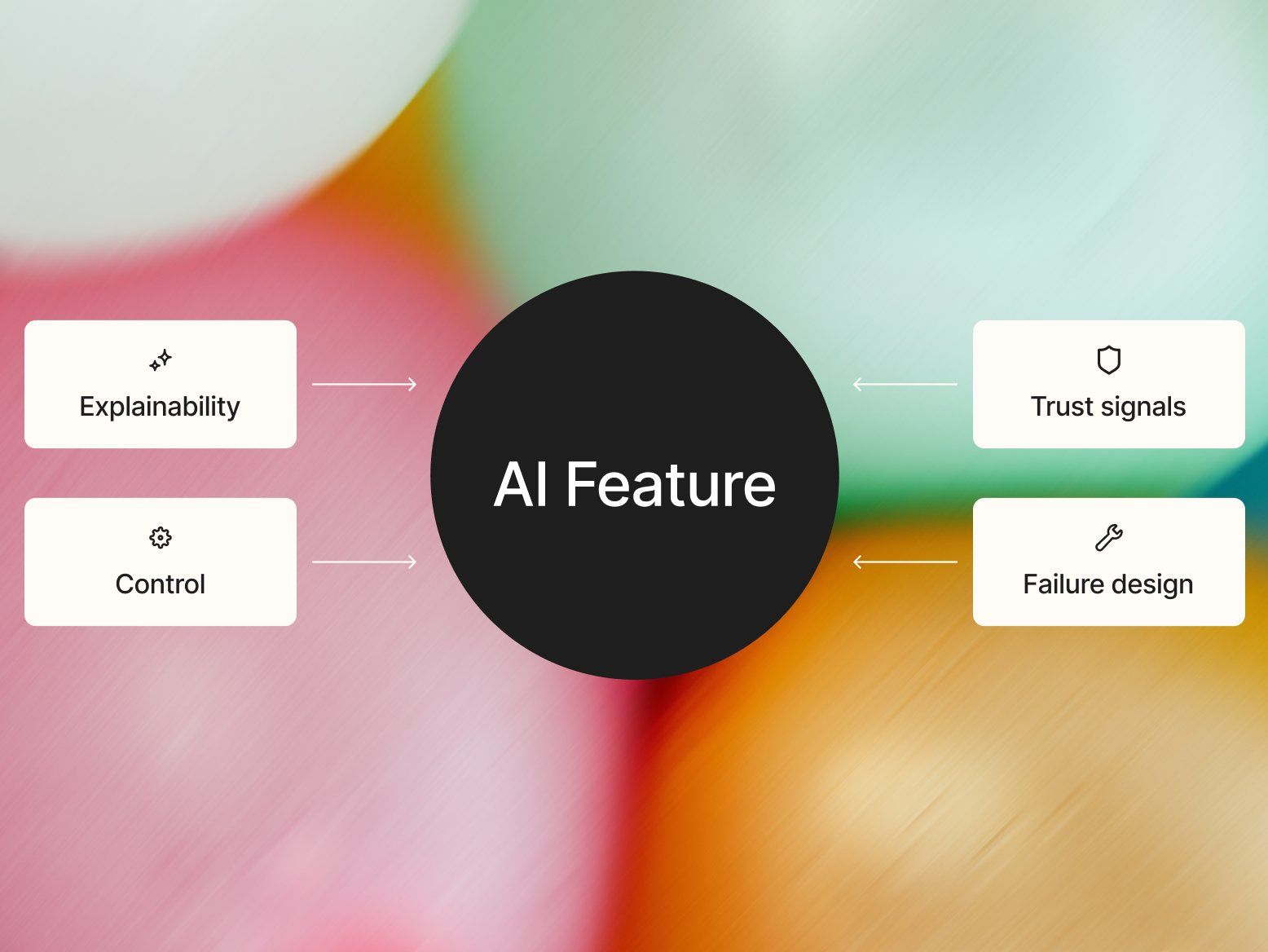
Next, we turn the blueprint into high-fidelity screens. AI-specific interaction patterns are blended in from the beginning. It helps users understand what the product is doing and feel confident using it. On AI products, those decisions determine whether the feature becomes part of someone's workflow or gets abandoned.
Weeks 5-6: Build-ready handoff
By this point, the design is ready for engineering. We provide development-ready specs, a starter design system, and QA support, so implementation becomes an extension of the design process rather than a separate rebuild.
Weeks 7-12: Launch Stack
After that, we keep improving the product and produce the assets a founder needs to raise. It happens alongside development, so everything is ready when the product is.
That's how the process works on paper. Let’s see what it looked like on a real AI product.
Blueprint-to-Deploy in action. How data center consultancy firm designed a $3.3M AI product
Lucend is an AI platform that makes data centers more efficient, finding optimization across dozens of facilities automatically. When the founders came to Habitat, none of that existed yet. They had years of domain expertise and a plan to productize it.
Since nothing like it existed, there were no UI patterns to reference. Habitat ran discovery from scratch, shaped the product vision with the founders, and built a clickable Figma prototype refined against early customer feedback before production code. Then came the full stack with brand identity, product UX/UI, a website on Webflow, and go-to-market materials, all built from one design system.
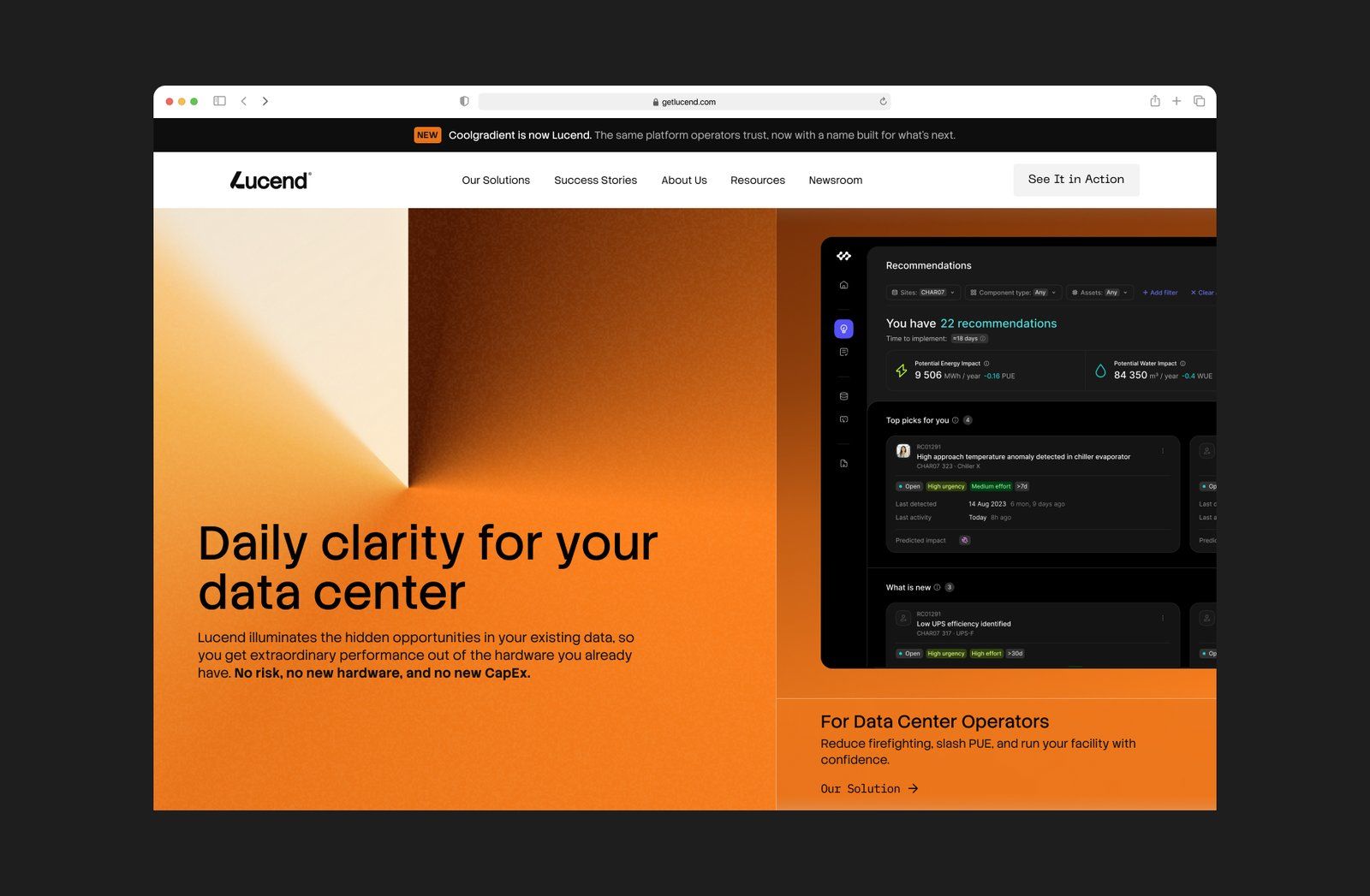
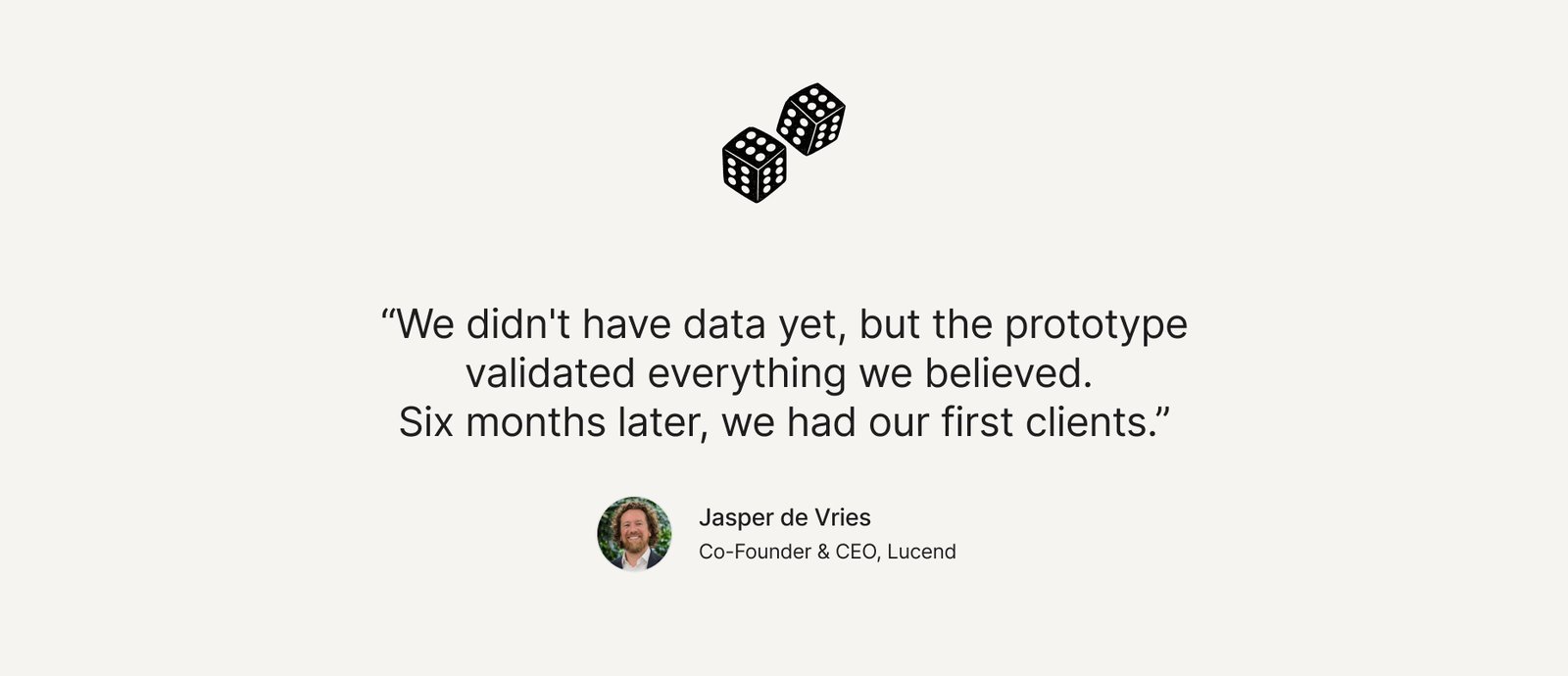
That prototype won Lucend its first clients before launch. Lucend's co-founder took it into conversations with data center operators, and several showed real interest pre-launch. They went on to raise $3.3M, grow 13x, and win two awards.
By now, you might suspect Lucend was a one-off. It wasn't. The design evolved with the product because the workflow is built for that. Here's the inside view of the process, step by step.
How Habitat uses AI in the design process
Every agency can say it uses AI, but where it fits into the workflow is an entirely different story. At Habitat, AI supports nearly every stage of the project, but the strategic and creative decisions always stay with the team. The workflow below shows how that balance plays out from discovery to delivery.
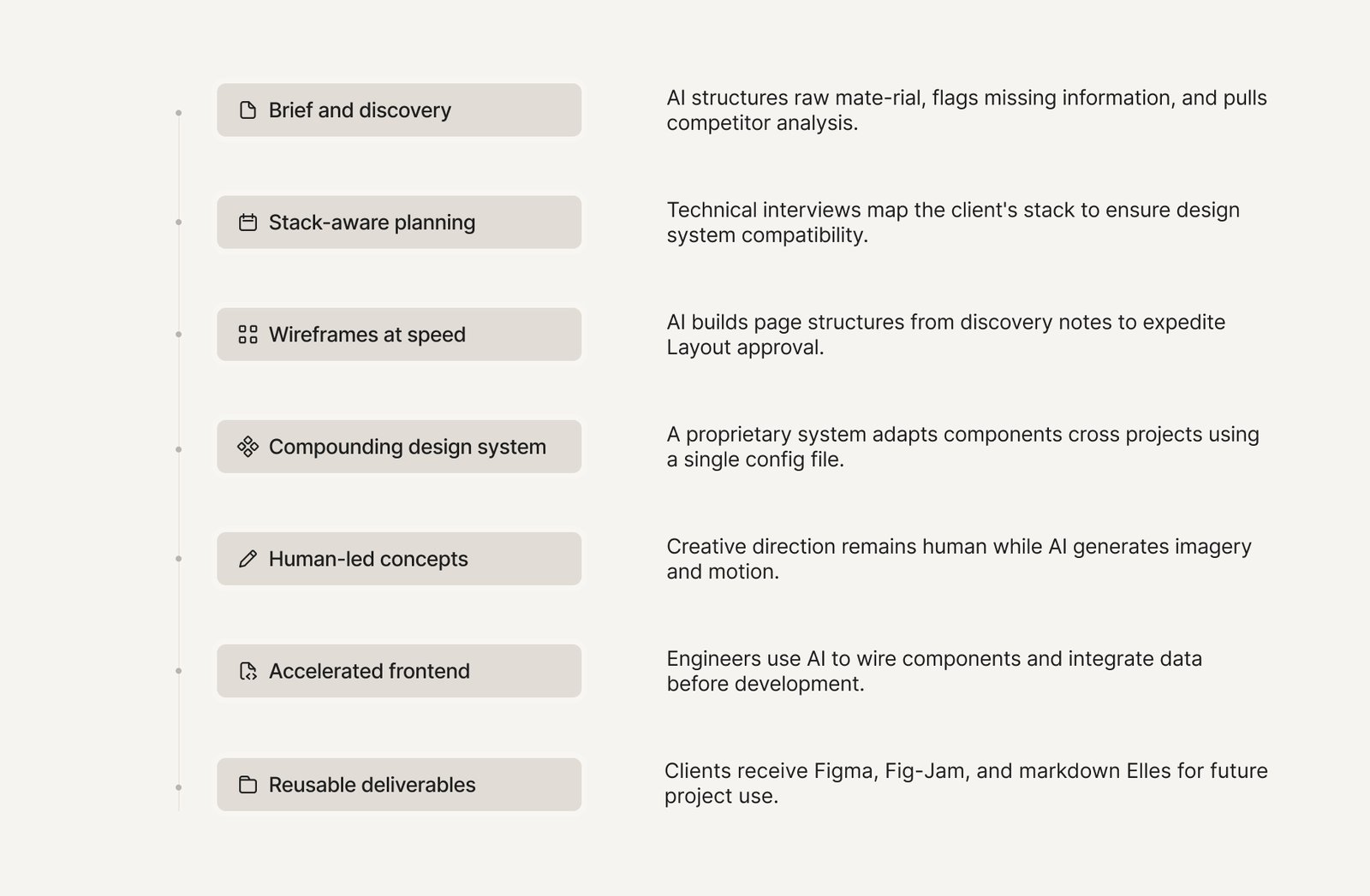
Brief and discovery, compressed
A client usually shows up with a pile of raw material. It might be a filled-out brief, maybe a flow map, a heatmap, whatever analytics they've got, and a list of competitors they think matter. Sometimes it's a working MVP, sometimes just an idea. Turning that mess into something a design team can start from used to take days.
Now we send it straight to AI. It structures the material, flags what's missing, raises the follow-up questions the client didn't think to answer, and pulls together competitor analysis in a fraction of the usual time. AI clears the busywork, but the judgment stays human.
Stack-aware from day one
Every project starts with a technical interview. We learn the client's stack, team, repo, and if they already have a frontend. It sounds like a developer's concern, but it decides whether the handoff works. A design system built for React doesn't drop cleanly into a team running Vue or Angular. Hand that over, and developers might spend days rebuilding what they were given. That's why we shape the design system around the client's stack from the start.
Wireframes at AI speed, or skipped
Wireframes used to be their own phase. Designers spent days drawing grey-box layouts to agree on where things go, then threw them away once real design began. Now we use AI to build the page structure straight from the discovery notes. The client sees it and signs off on the layout in a day. It's enough to show how the product is organized and what goes where. Detailed work starts only after the approval, so we don’t polish a screen that's about to be redesigned anyway.
A design system that compounds
Habitat doesn't start from zero. We've built a proprietary design system that carries components from one project to the next. A single config file adapts it to each new brand, updating Figma, Storybook, and code at the same time. That means much of the slow setup work is already done before a project begins. Every new component becomes part of the system, which makes the next project even faster.
Concepts by humans, brought to life by AI
This is the line Habitat doesn't cross: creative direction stays fully human. AI doesn't decide which concept is the strongest or when a design is ready. The team decides both.
But AI brings those ideas to life faster. It generates illustrations, imagery, and motion early, so clients experience the direction before we commit to full production. As a result, fewer surprises show up late in the project, when they're expensive to fix.
Frontend that's 80% done before development starts
Because the design is built from real components, much of the frontend already exists by the time developers start connecting the logic. Habitat's engineers use AI to wire those components together and connect the data, with every line reviewed and tested by a person. A feature that used to take a week now takes about an hour. In one case, a client's in-house team estimated two weeks to integrate the handoff. What Habitat delivered got them there in two days.
Deliverables built for what comes next
At the end of a project, the client leaves with Figma, FigJam, and structured markdown files for discovery, competitive analysis, and the roadmap. This way, they can reuse project assets, including with their own AI tools, whenever they need. And if they plan to take development in-house, the repository is handed over as well.
Can't we do this with AI ourselves?
It's a good question, and up to a point, the answer is yes. AI will get a non-designer surprisingly far. It can generate screens, suggest layouts, and even write frontend code. But the hard part is deciding what to build and which ideas to abandon. Someone still has to know good from good-enough. And AI is a confident yes-man, happy to help you build the wrong thing beautifully.
If at some point you'd rather take it in-house, we make that easy. As we mentioned, you leave with everything from the project, in formats you can keep building on with your own AI tools.
So AI didn't come for the designer's job. It took the work that used to eat the calendar and left the judgment where it counts. But that trade pays off when the process is built around it. Ours is.
We run on the AI clock
Habitat was built for AI product cycles where features change every sprint, and founders need something investor-ready yesterday. That’s why we onboard in 2-3 days and ship the first delivery in under two weeks. From there, we take most products from idea to deployment in 6–12 weeks, with the same senior designer leading the project from start to finish.
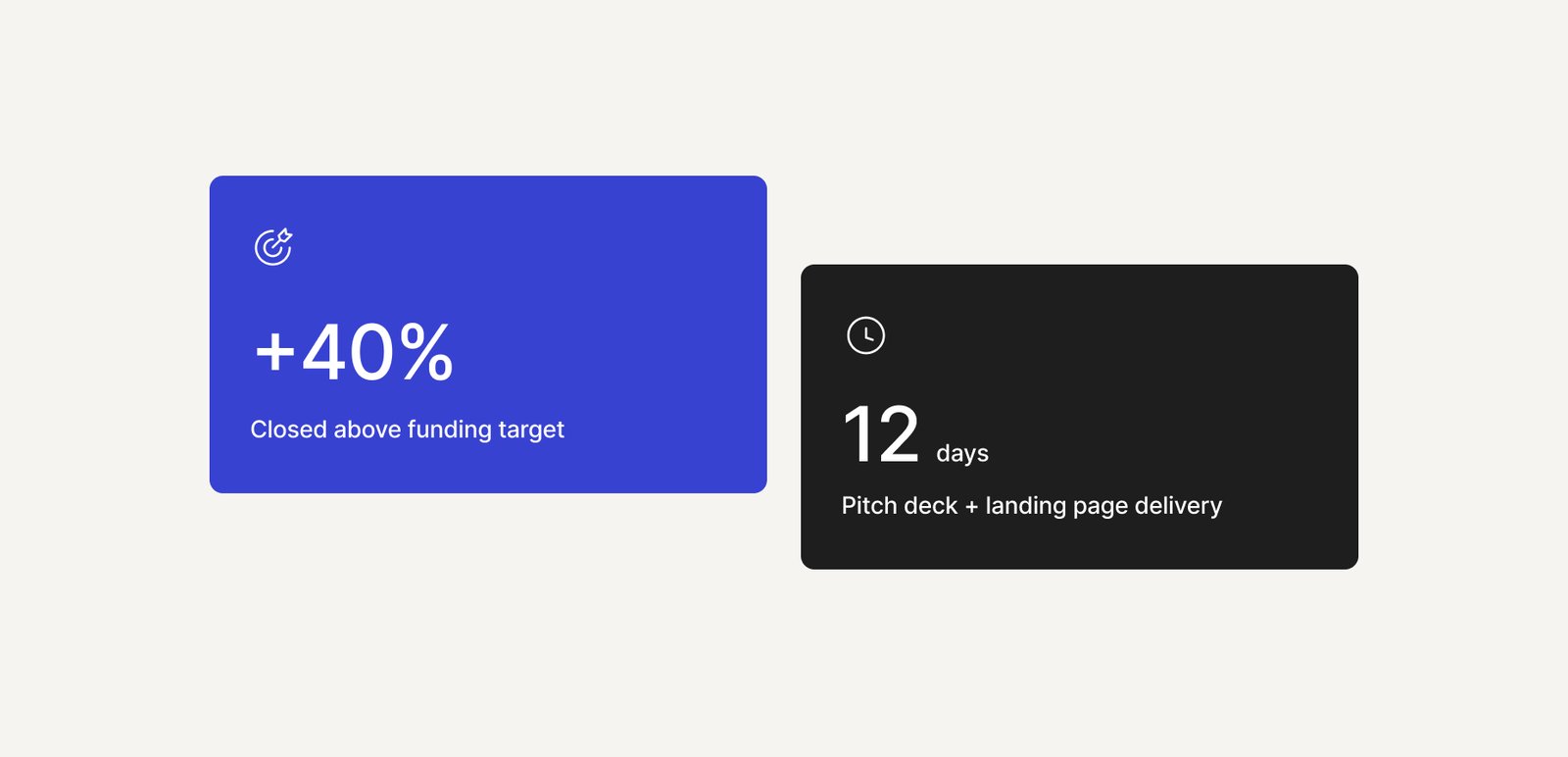
Take Revo, one of our clients. They had a funding round coming, so we built their pitch deck and landing page in 12 days. They closed 40% above their target.
In projects like this, you need to design with AI speed. A funding window doesn't wait. Neither does a competitor. Your design process has to keep pace with your product and the opportunity in front of it. If you aren’t sure it does, it's better to find out now than at handoff. Our free 48-hour product audit shows you where your process falls behind and what to do about it.